CUSTOMER LOGIN

CNC router buying checklist: what to compare before you invest
CNC router buying checklist: what to compare before you invest
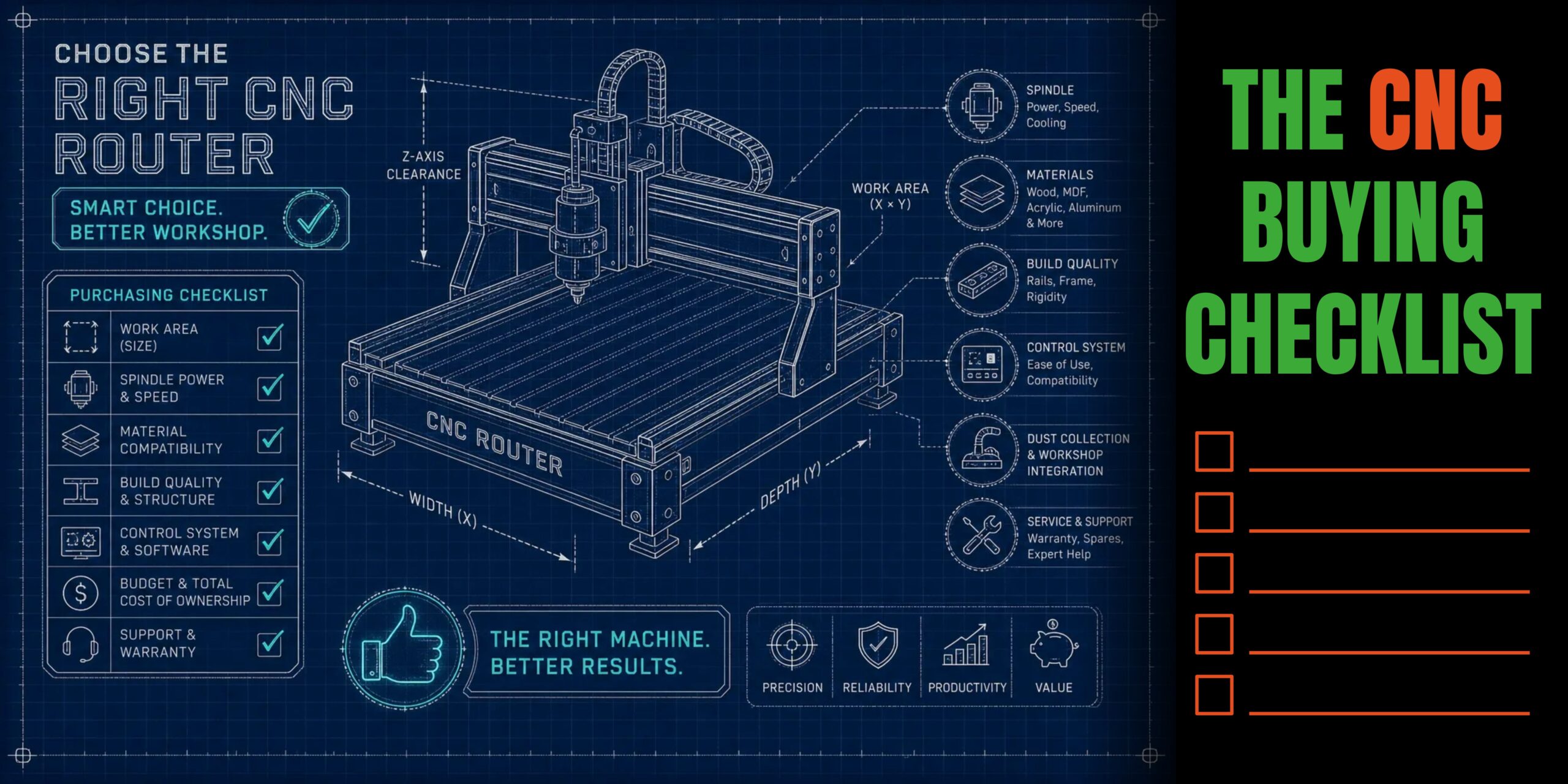
In our last blog, we looked at how to decide which types of work should carry the most weight when choosing your next CNC router.
If you are now at the point of comparing machines and configurations, the next challenge is knowing which differences will genuinely affect production and which simply make one specification sheet look longer than another.
Bed size, spindle power, vacuum hold-down, add-ons, tooling, installation, support and overall cost all matter, but not in isolation. The useful comparison is how those elements come together in a machine that fits your workshop and production needs.
This checklist takes you through the main areas to compare before you buy, from machine format and core specifications through to payback and supplier support.
1. Compare the machine format
Machine format affects more than the maximum sheet size. It also changes the floor space required, the amount of material that can be processed without repositioning and how comfortably the machine fits into the wider production setup.
There is no universally better size. The important comparison is between the working area of the machine, the materials being processed and the space available around it.
Compact production machines
Compact production machines can suit workshops where space is limited, sheet sizes are contained and the router does not need to accommodate the largest formats available.
When comparing compact machines, check the active cutting area rather than relying only on the overall machine dimensions. Make sure the sheets and components you expect to process will fit comfortably without creating unnecessary repositioning or extra handling.
Mid-format production machines
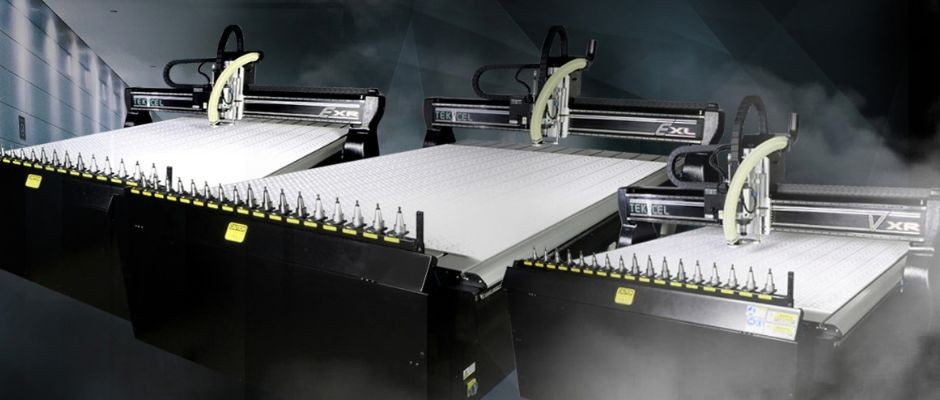
For businesses processing larger sheet materials, nesting multiple components or moving between a broader mix of jobs, a router such as the Tekcel 2m x 3m EXR can provide more flexibility without moving into the footprint of a larger-format machine.
A format of this size can be useful where full sheets, larger components or multiple parts need to remain within one setup. Compare the active cutting area, surrounding access requirements and how efficiently the available bed can be used for nesting.
Large-format CNC routers
Large-format routers are designed for longer or larger sheet materials where repositioning would otherwise become part of the process. A 2m x 4m format, such as the Tekcel EXL, provides more active cutting length for large panels and extended sheet work.
The extra capacity needs to justify the additional footprint and investment. Check how often that extra working area would be used, how material will be loaded and unloaded, and whether the workshop has enough space around the machine to operate it properly.
2. The specifications to compare when choosing a CNC router
Once the format has been narrowed down, the specification sheet becomes much more useful.
Individual figures only tell part of the story. What matters is how the spindle, movement, workholding and tooling system work together for the materials and operations the machine will be expected to handle.
Bed size and axis travel
The active cutting area determines the maximum area the machine can process in a single setup. A three-axis CNC router moves across the X and Y axes and up and down on the Z axis, covering the majority of flat-sheet cutting, drilling, pocketing and profiling work in woodworking, plastics and signage.
For many applications, a 2m x 3m or 2m x 4m table can avoid the need to reposition regular sheet material during a job. That can reduce handling and help keep the work in one controlled setup.
Check the active cutting area against the sheet sizes and components you process, as well as the amount of space required for nesting.
If you cut thick foam, jigs, moulds, formed components or other three-dimensional work, check gantry clearance, Z-axis travel and tool reach as well. A router that handles flat sheet well may not suit every deeper application.
Spindle power, range and material compatibility
Spindle power is one of the first specifications buyers tend to compare, but the highest figure is not automatically the best choice.
The spindle needs enough power and speed range for the materials, tooling and operations the machine will handle. For heavier production work in wood, plastics, composites or suitable non-ferrous metals, spindle performance also needs to work alongside the drive system, workholding, tooling and cutting strategy.
Aluminium, for example, calls for the right combination of router, cutter, cutting parameters and coolant arrangement rather than spindle power alone.
Vacuum hold-down and tooling compatibility
Strong vacuum hold-down keeps sheet materials flat without clamps, which can speed up loading, reduce manual handling and support full-sheet nesting. For smaller components, the cutting approach may still need tabs, fixtures or a different sequence.
When comparing routers, ask how the proposed vacuum system will support the sheets and components you intend to run. Then establish what tooling, toolholders, collets and setup accessories are supplied with the machine and what will need to be budgeted for separately.
The specification should support the work your business needs to run.
3. Add-ons and upgrades that earn their keep
Add-ons are most useful when they solve a clear production requirement. An impressive options list is less important than knowing which additions will genuinely change what the machine can process or how efficiently it can do it.
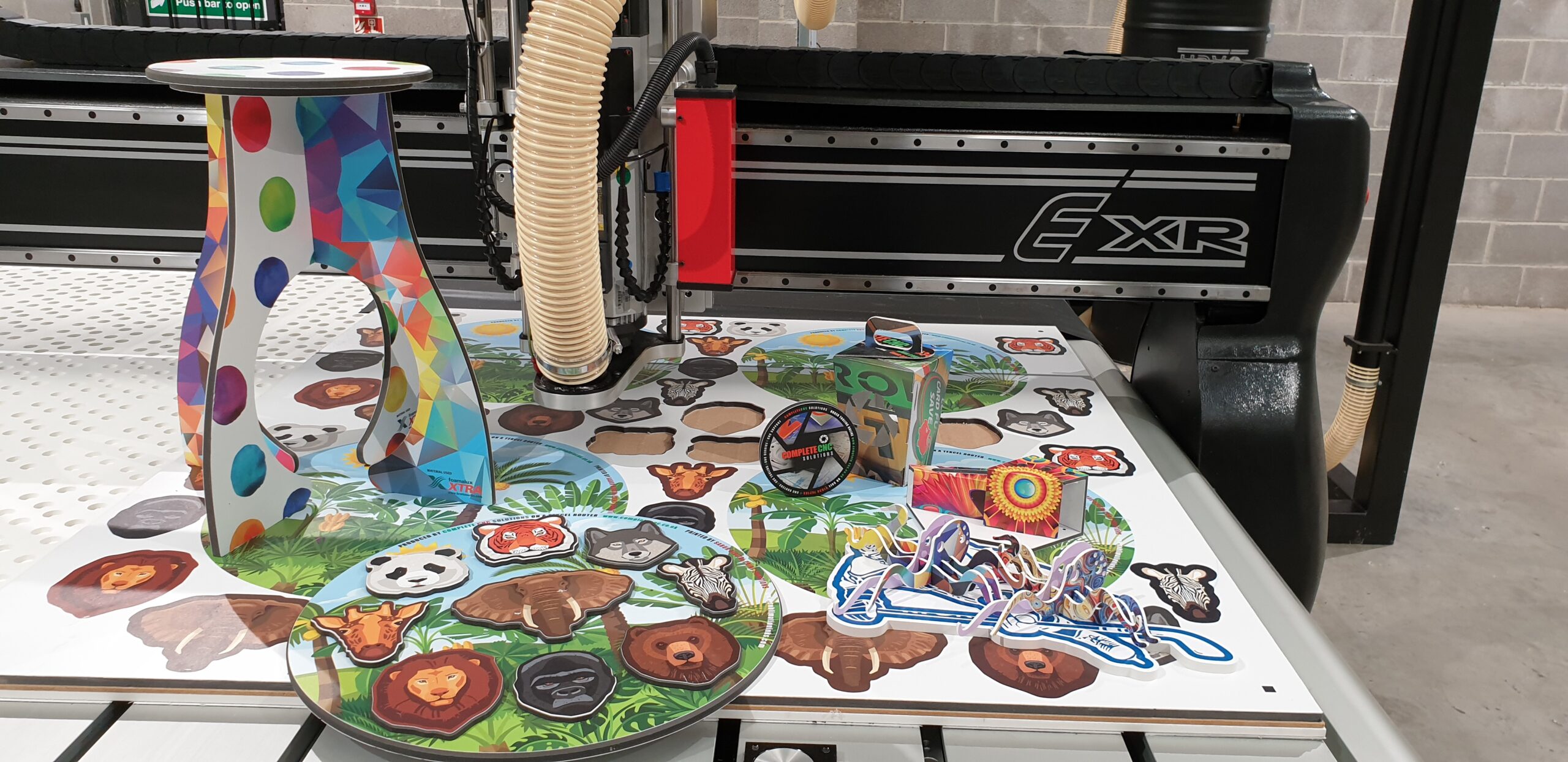
Cut-to-print cameras and knife cutting attachments
A cut-to-print camera registers printed graphics to the cutting path, helping signmakers and print-finishing businesses cut around finished artwork accurately.
A knife-cutting system gives the router a way to process materials that do not suit a spinning cutter, including magnetic sheeting, self-adhesive vinyl, cardboard, carton, corrugated and foamcore.
If these materials are part of the workload, compare what the proposed systems can process, how they are integrated with the router and whether they are included in the quoted configuration.
Dust extraction and mist coolant units
CNC routing produces dust, chips and swarf that need to be handled properly. When machining MDF and other wood-based boards, effective dust extraction is a key safety consideration as well as a practical part of keeping the cutting area clear.
The extraction system needs to suit the materials, machine and workload in the workshop.
If aluminium or other suitable metal-cutting work is part of the plan, check whether a standard or high-pressure mist coolant system is needed and whether it is included in the proposed setup.
Other upgrades to consider
Additional vacuum capacity, material location pins, extended gantry height, safety provisions and control-system upgrades can all be relevant depending on the application.
The important point is to establish what is included before comparing prices. Two machines with similar headline specifications may represent very different setups once the equipment needed to run them properly is added.
4. Look beyond the machine price
A useful price comparison needs to cover more than the router itself.
Include the machine and configuration you need, plus any site preparation, software, tooling or operating equipment that sits outside the agreed price. Also think about the practical time needed to prepare the site, install the machine, train the team and manage any disruption to normal production.
Before comparing proposals, establish what training is included, how technical support is accessed, what the warranty covers and what servicing options are available after the warranty period.
Check the supplier's responsibility for installation as well as anything that needs to be prepared at your site before the machine arrives.
You should also be clear about the tooling, software and application advice supplied with the machine. A lower initial price is not necessarily a lower overall cost if equipment or support needed to get the router into production has been left out.
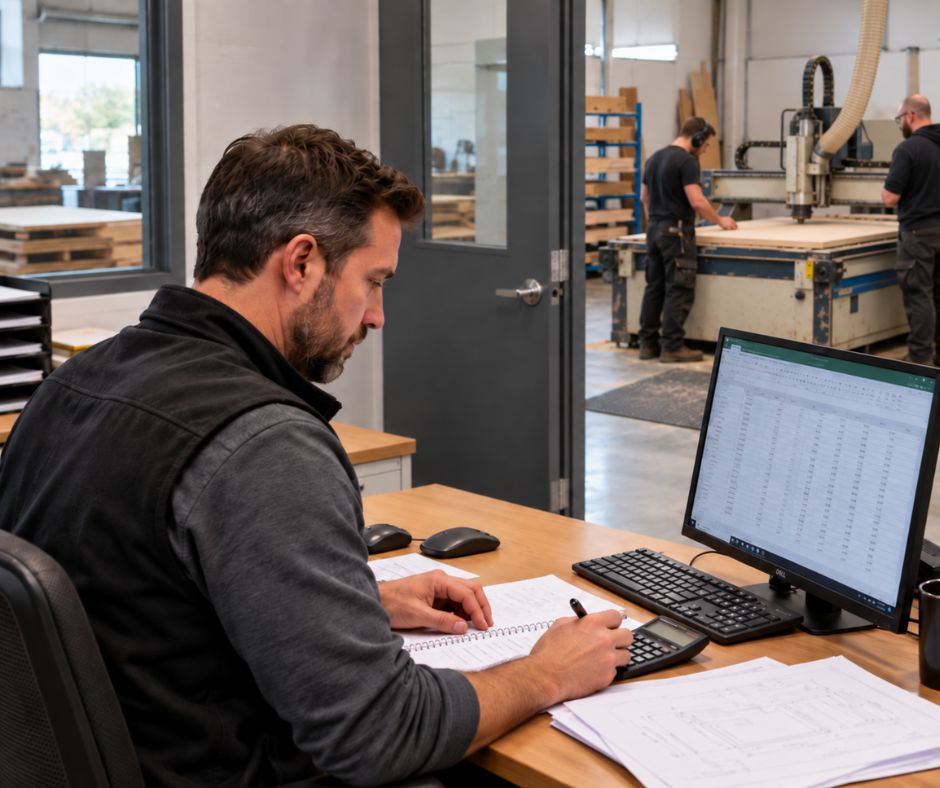
5. When does a new CNC router pay for itself?
There is no standard payback period that applies to every workshop.
Two businesses can buy the same CNC router and see very different financial results depending on what changes once the machine is in production.
A sensible calculation starts with costs and opportunities you can already identify in the business.
That could include work currently being outsourced, overtime caused by bottlenecks, slower manual processes, production delays or demand that cannot currently be handled efficiently.
Build the calculation around real figures
Look back through recent production and identify where a different CNC setup could realistically change the numbers.
For example:
- Which jobs are currently outsourced, and what would they cost to produce internally?
- Where are manual cutting, marking or templating taking up time that could be used elsewhere?
- Are production bottlenecks regularly creating overtime or longer lead times?
- Is existing capacity limiting the amount of work the business can complete?
- Is there customer demand that the workshop is already struggling to accommodate?
The aim is not to give every minute saved an assumed cash value. It is to identify changes that would make a measurable difference.
Measure the real financial benefit
If £2,000 of outsourced work can move in-house each month, that does not automatically create a £2,000 monthly saving.
Producing that work internally still uses labour, tooling, electricity, extraction, vacuum capacity and material, and may introduce additional setup or programming time.
The same applies to additional sales. Extra turnover is not the same as the amount left after the direct costs of producing the work.
A more realistic calculation compares the overall cost of the new setup with the monthly savings and extra income it can realistically generate after those direct costs are taken into account.
Overall cost of the new setup ÷ conservative monthly financial benefit = indicative payback period
The overall cost should include the machine and required configuration, installation and site preparation, tooling and software that sit outside the agreed price, training where it is chargeable, and any workshop changes required before installation.
Test the calculation before relying on it
Use recent workshop figures wherever possible rather than optimistic forecasts.
A useful exercise is to review several weeks of production and record the jobs that were outsourced, delayed or declined; where overtime was required; recurring manual operations; significant setup time; and any production limits created by the existing equipment.
Then separate the opportunities into three groups:
Already happening – work and costs you can demonstrate from current records.
Highly likely – existing customer demand or recurring work that the new setup would allow you to handle differently.
Possible – new markets, future enquiries or additional sales that may develop after the investment.
Build the main payback calculation around the first group and, where there is strong evidence, the second. Treat the third as potential upside rather than something the purchase depends upon.
That gives you a much more useful number: not how quickly a CNC router could pay for itself in theory, but whether the numbers stack up for your workshop.
 (opens in a new tab)
6. A simpler way to upgrade to a new CNC router
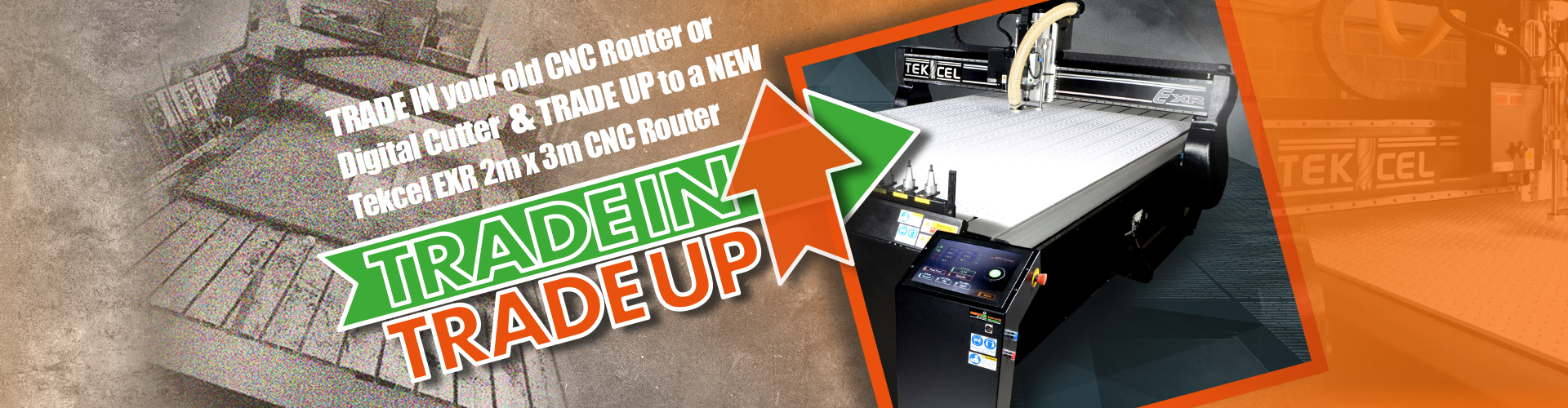
If a 2m x 3m router is the right format for the work your business needs to run, our Trade In, Trade Up programme makes upgrading to a new Tekcel 2m x 3m EXR easy.
Whatever brand or model your current machine is, we'll assess and value it, manage its removal and arrange delivery of the new Tekcel EXR.
The Tekcel EXR combines a 2m x 3m working format with a 9kW HSD spindle operating from 6,000 to 24,000 RPM, a 17-bay automatic tool changer and vacuum hold-down. It also includes Opticam Cut-to-Print, Vectric V-Carve Pro software, mist coolant, dust extraction, a maintenance starter pack and a 12-month parts-and-labour warranty.
The offer also includes six ISO30 toolholders, collets and setup accessories, plus a £1,000 tooling credit. That gives the new router a proper starting point for the applications it is being bought to run, rather than leaving the tooling plan as a separate problem after installation.
Delivery, setup, two days of on-site training and ongoing remote technical support are included too, so the machine arrives with the equipment and support needed to get it into production.
Compare the whole setup, not just the specification sheet
A CNC router should not be compared on one number alone.
Working area, spindle capability, hold-down, tooling, optional equipment, support and overall cost all contribute to how useful that machine will be once it is installed.
Compare the complete setup, check what is included and use your own production figures when assessing the investment.
If a 2m x 3m router is the right fit for your workshop and you are replacing an existing CNC router or digital cutter, you can see what is included in our Trade In, Trade Up offer here.
Further Blog Posts
Oct / 2026
CNC router buying checklist: what to compare before you invest
Oct / 2026
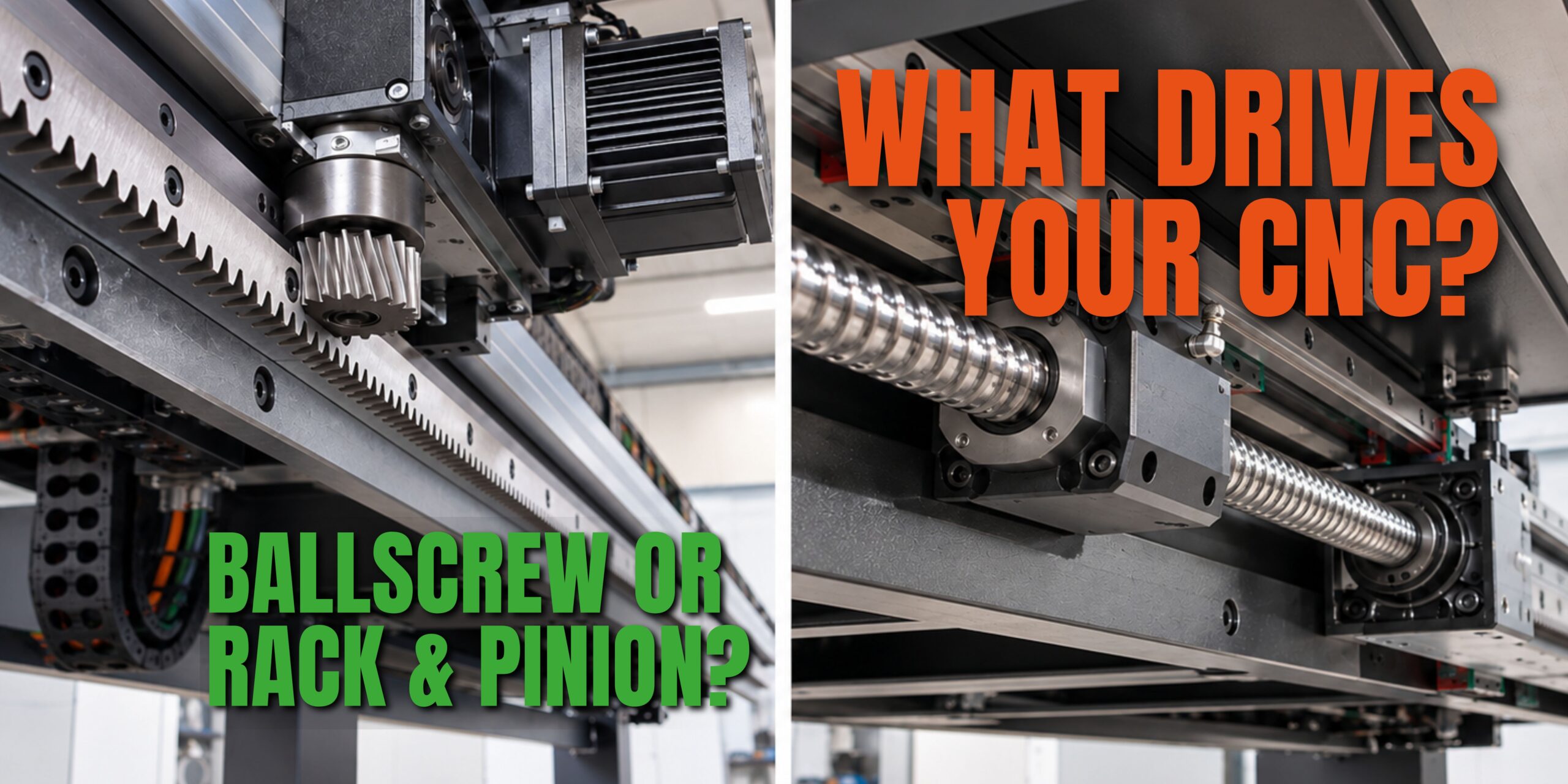
The Hidden Cost of Rack & Pinion vs Ballscrew CNC Drives
Sep / 2026
Choosing your next CNC router: which work should drive the decision?
Aug / 2026
BS 559-2: Three practical questions for signmakers

Aug / 2026
Routing polycarbonate, HDPE and solid surface: why material versatility starts with the machine
Jul / 2026
How CNC cutting is reshaping retail interiors and displays

Jul / 2026
Why short-run structural packaging is becoming a CNC opportunity
Jun / 2026
The case for an ATC router in a metal fabrication shop